Recently one of our customer was trying to deploy to an VM environment using Azure DevOps and all of their deployments were getting stuck at Queued status. To their surprise, they had idle Azure DevOps agents to work on the jobs. After scratching head for couple of hours, the fix was not what I had expected…
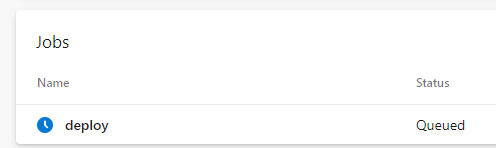
The YAML pipeline was as below.
stages:
 - stage: CD
   jobs:
      - deployment: deploy
        displayName: deploy app
        environment:
          name: 'rdv'
          resourceType: VirtualMachine
          tags: rdv
        strategy:
          runOnce:
            deploy:
              steps:
                - tasks: ...
Nothing suspicious here. Notice, we are targeting specific VM resource with tag rdv here.
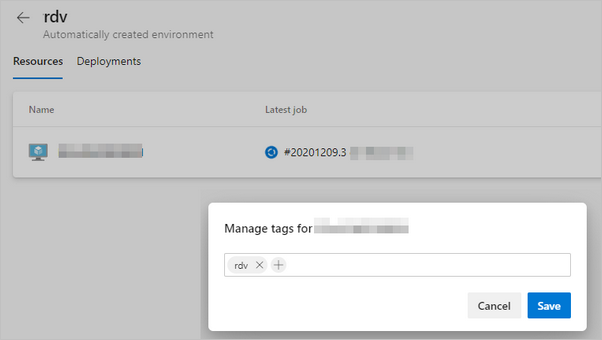
Assuming something wrong with the machine, we re-registered the agent and also recreated the environment. Still the same issue!!
After struggling to find an answer, I also posted a question in Developer Community asking for help.
Cause
Well, the cause was not what I had expected - there wasn’t anything wrong with the configuration of VM.
Take a look at line #4 in the above YAML. Apparently name deploy is a reserved name for deployment job and having that name Deploy for deployment causes pipeline to hang. Surprisingly its not mentioned anywhere in the documentation as well!
So after renaming the deployment to something different as below (notice line #4), deployment started working again!
stages:
 - stage: CD
   jobs:
      - deployment: deploy_rdv
        displayName: deploy app
        environment:
          name: 'rdv'
          resourceType: VirtualMachine
          tags: rdv
        strategy:
          ...
That’s it, simple one - but definitely saves you half a day if you ever gets stuck with the same issue. Make sure you name your deployment name to something other than deploy 🤕 😅